Designer Mode
The designer mode is the name of the simple embedded web interface that can help you to create your scripts.
Launch the designer mode
Execute this command to run the player in designer mode:
$ player design
INFO[0000] Start designer mode on this address: 127.0.0.1:12345
player is now listening on port 12345 (you can change this by using the --listen-addr option).
Use the web interface
Navigate to the displayed address and port with your favorite browser. A left menu is displayed and for each menu option, the right side displays a specific form that guides you to create your script: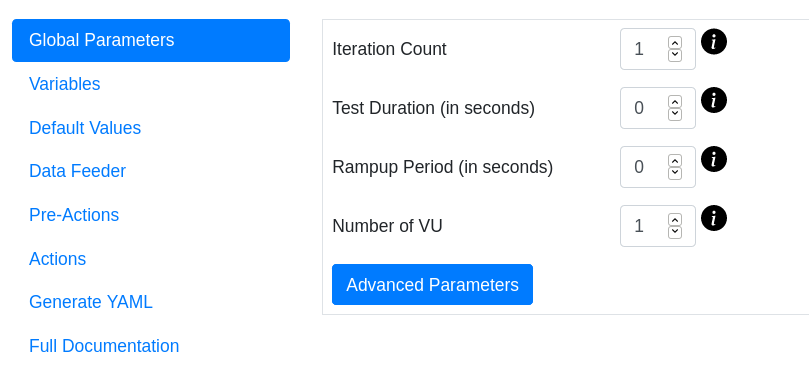
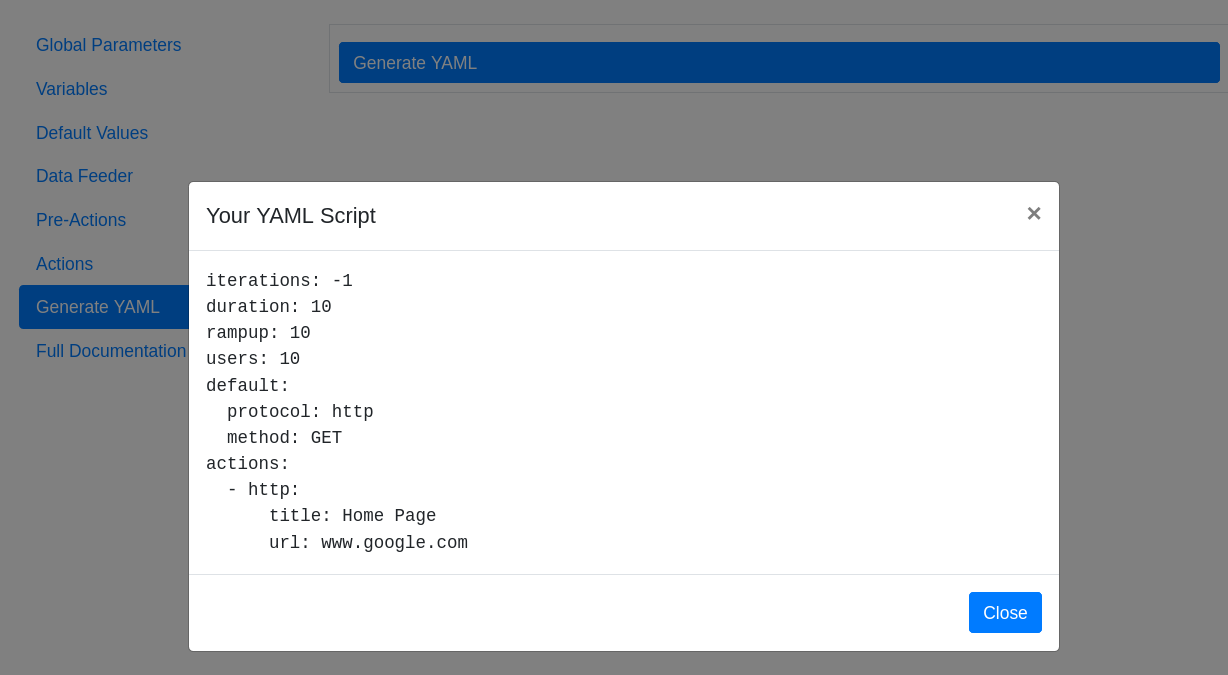
Once you have defined your variables, your actions, etc..., click on the Generate YAML left option, and then Generate YAML button that will appear on upper right. Your script will be displayed and you can copy its content: